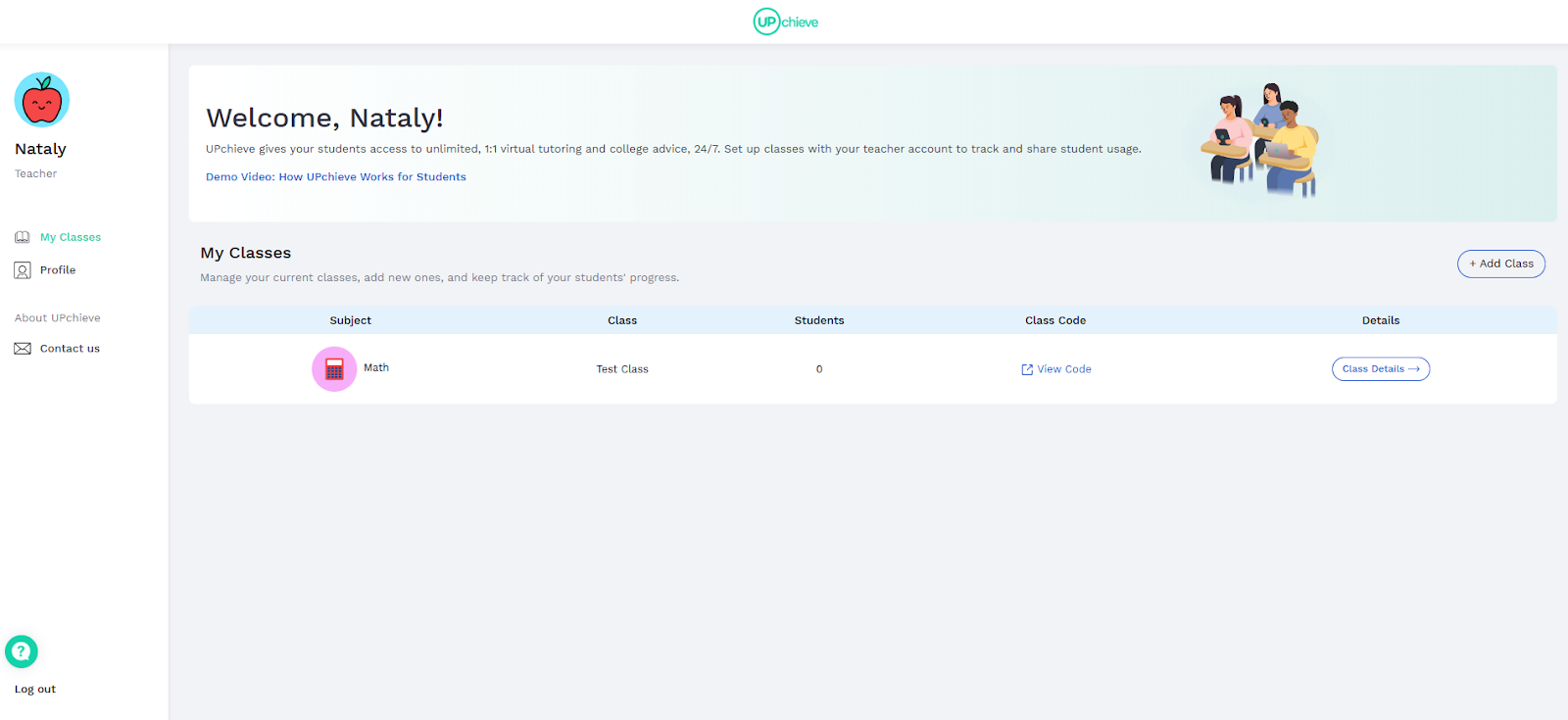
You’ve created a teacher account and are ready to start adding classes. Please follow these steps:
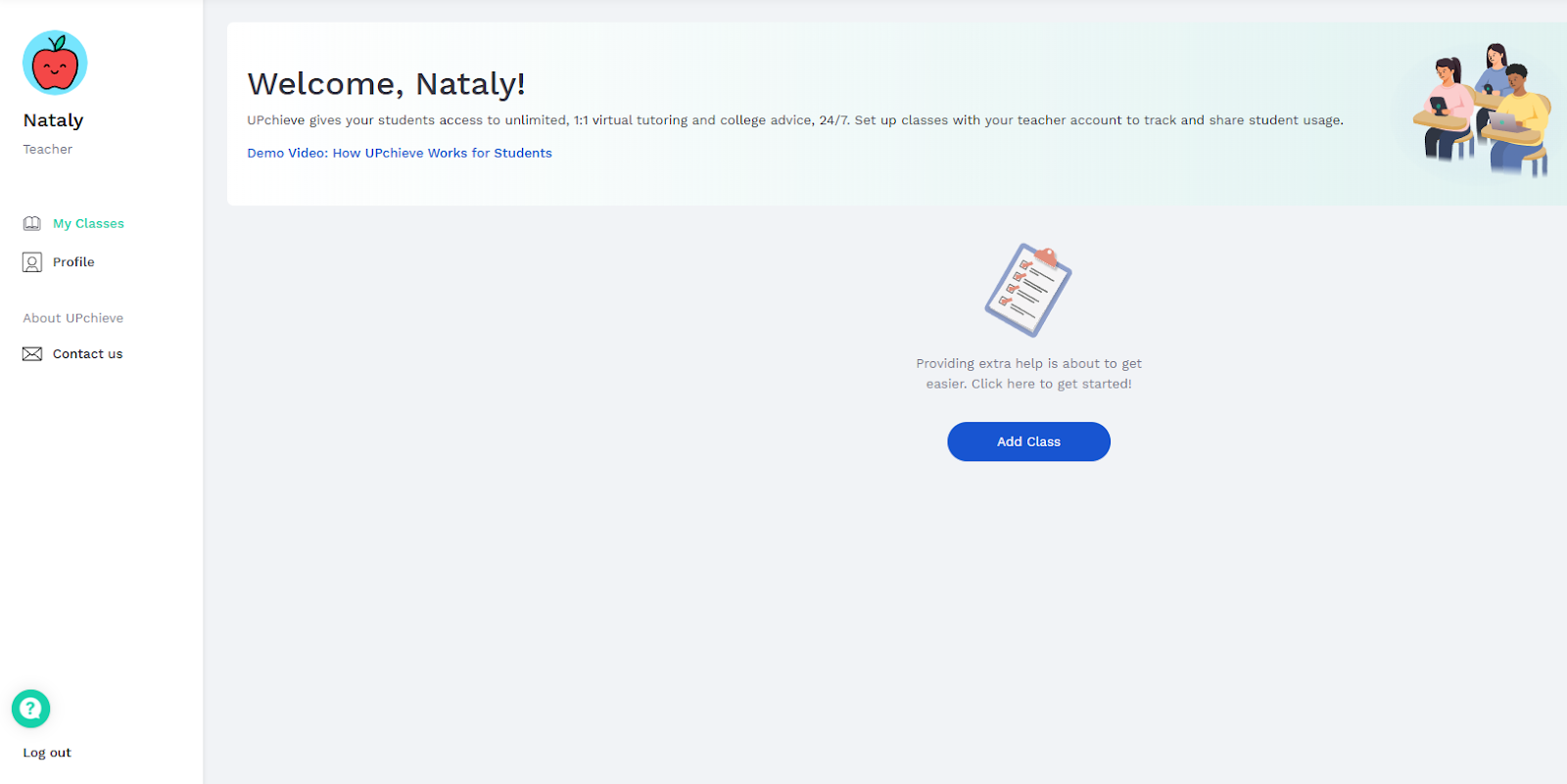
Go to your dashboard and click ‘Add class’.
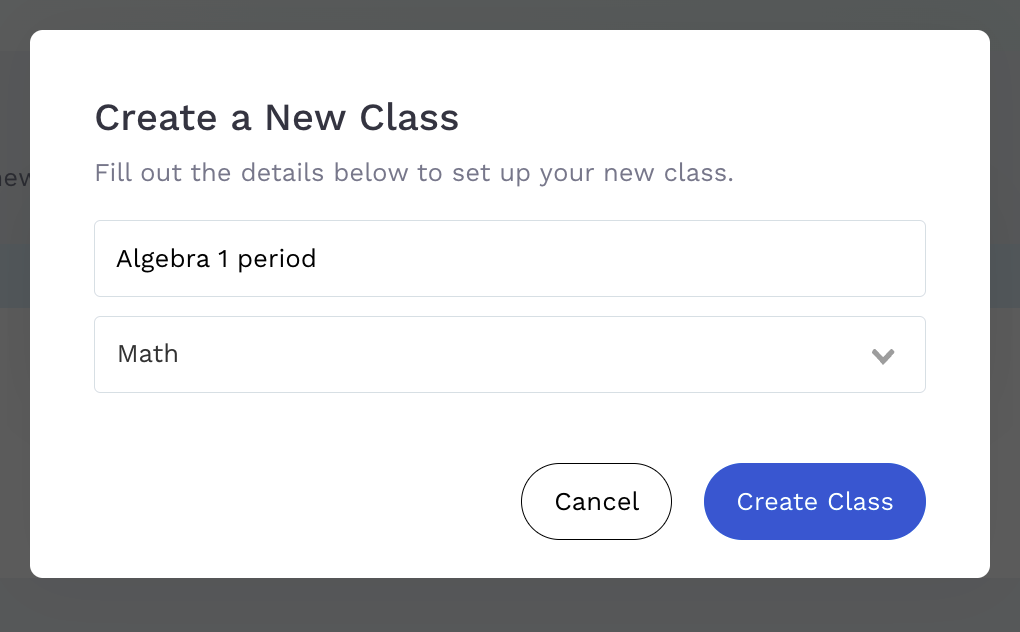
Enter a class name and select a subject. Click “Create Class”
3. Once you've created a class, the code will appear on your dashboard under ‘Class Code’.