
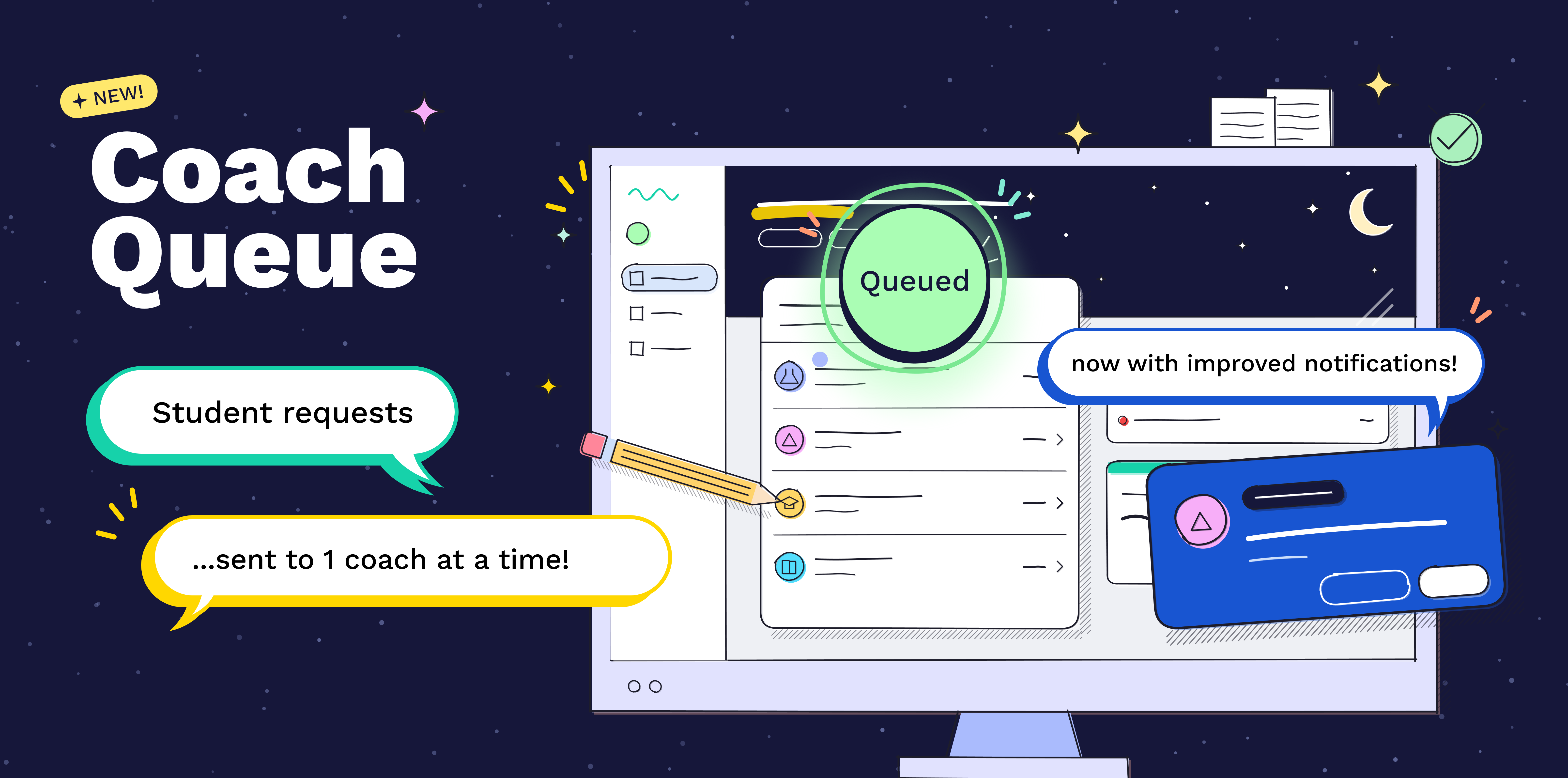
Coach Queue is a simpler way to pick up student requests. Join the queue to be matched with a student who needs help in one of your subjects. When it’s your turn, you’ll have a limited time to accept the match or pass it to the next coach.
We do the matching for you. When you're matched with a student, we'll hold the request for you for a limited time, so you don't have to race other coaches.
Focus on helping students. Less time looking for requests means you can focus your energy on tutoring.
Help UPchieve keep things running smoothly. The queue helps us balance the flow of coaches and students, so every coach in the queue gets a fair chance to help and students get connected quickly.
On your dashboard, click Join queue
We'll notify you in UPchieve when a student needs help in one of your subjects
Accept the match to jump into the session
Or, click Pass to pass it to the next coach
After your session, we'll automatically add you back to the queue.
When you're done for the day, click Leave queue.
UPchieve must be open while you're in the queue
You can still pick up requests from the waiting students list while you’re in the queue
Click around on the platform every few minutes so you aren't automatically removed from the queue for being inactive
If you can't take a session right now, pass the match.
Students are only notified once a coach has accepted and is joining their session.
They won't see when coaches pass their request.
Please don’t ghost the popup. Every time an offered match expires, the student waits longer and longer for help or worse — they might cancel their request and (shudder) ask AI for help instead. Continue to let offers expire and you may get automatically removed from the queue.
If you need a break, click Leave queue so matches go to coaches who are ready and students are connected to help quickly.
If a match expires before you respond (i.e. click accept or pass), we'll remove you from the queue. Life happens. If you need to step away, click Leave Queue, and rejoin when you’re ready to tutor.

Do I have to join the queue to pick up student requests?
No. Joining the queue is optional. You can always pick up requests from the students waiting list on your dashboard.
Can I still pick up students from the waiting list while I'm in the queue?
Yes! The students waiting list stays on your dashboard while you're in the queue.
What’s the difference between a match I get in the queue vs. the ones in the waiting students list on the dashboard?
The request is the same; the only difference is how we notify coaches of the request. When a student makes a request, we’ll first try to match them with a coach in the queue. After a limited time, we’ll stop offering this request as a match and notify all eligible tutors via text and the dashboard.
Is the queue first come, first served?
No. Our algorithm helps spread sessions fairly across coaches, while keeping student wait times short. Joining first doesn't always mean you'll be matched first, but we do take in to consideration how long you’ve been in the queue without a session when determining who to send matches to.
Why was I removed from the queue?
Removing inactive coaches helps us quickly connect students to coaches who are ready to help. A quick refresh or a short connection drop won't cost you your spot in the queue. You'll automatically be removed from the queue if you:
close all UPchieve tabs
log out
lose your connection
are inactive for a while
Can I multi-task or work in other browser tabs while I'm in the queue?
Yes. Just be sure to turn on your browser notifications and click around in UPchieve every so often so you aren't marked inactive.
Will you text me when I'm matched with a student?
Not at this time. Matches are only displayed on the UPchieve website and coaches are notified via browser notifications. You’ll still receive texts for requests that we couldn’t match via the queue.
